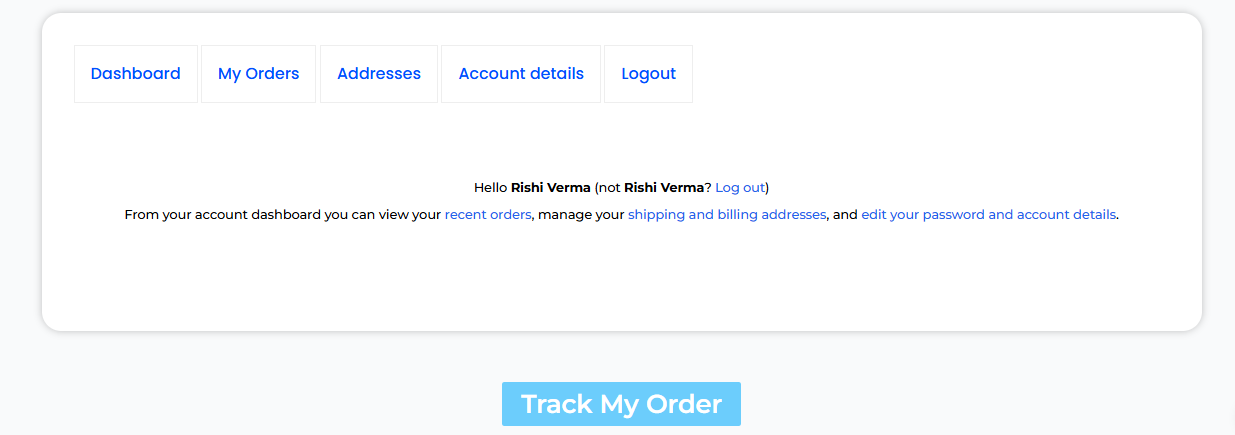
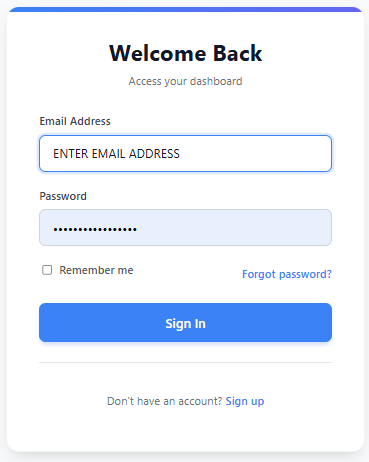
1. Go to the Gadi Gadget and sign in using your registered email or mobile number and password.
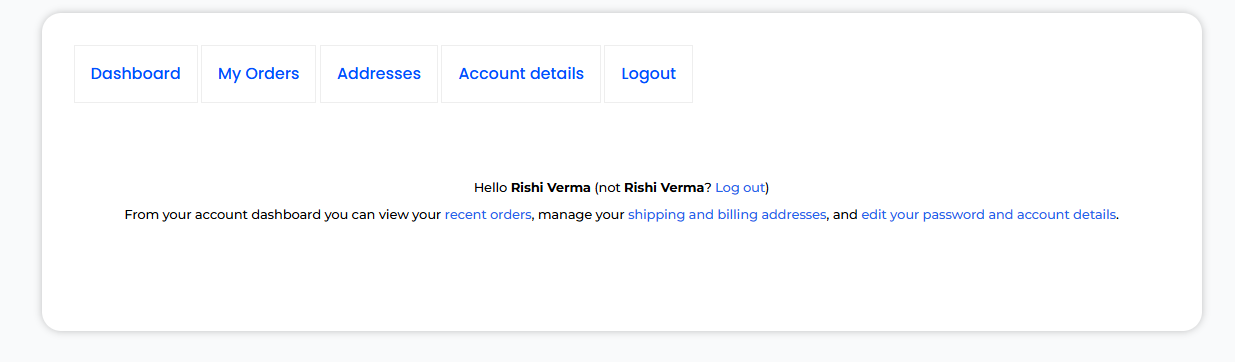
2. After logging in, you’ll land on your main dashboard where all your account details and orders are managed.
3. Scroll down the dashboard page until you see the “Shadow Fax and Ekart” button.
4. Select Courier company you’ll be automatically redirected to the tracking page.
5. Enter the tracking number that was sent to your registered email ID or mobile number.
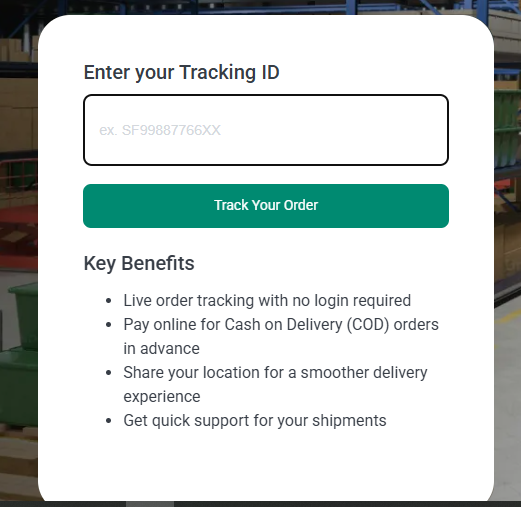
6. View Your Order Details and see the live status.